Anne-Marie, one of our Digital Champions, volunteers at Scone and North Inch Community Libraries. She helps people learn basic computer skills, such as sending emails, downloading apps and eBooks, and browsing the internet. She has written this guide to help answer some common questions about broadband and email addresses.
Most of us now have broadband at home and find it extremely useful. However, broadband providers often increase their prices significantly once a contract comes to an end. At the same time, we’re constantly seeing adverts from other providers offering competitive deals if we switch.
Martin Lewis of MoneySavingExpert suggests that if you’re paying more than £28 a month for broadband alone, you’re probably paying too much. Did you know that some broadband providers also offer social tariffs for people receiving certain benefits? If you think you may qualify, it’s worth checking.
Should you change broadband provider?
Is it as easy as they make it sound?
In my opinion, if you have a broadband-only package and are paying more than £30 a month, then yes, it’s worth considering. Switching is often straightforward, and some providers will even cover your exit fees if you leave your current provider before your contract ends.
But…
There’s always a catch!
There are two potential inconveniences, although neither is difficult to overcome. Both just require a little planning.
Your router settings
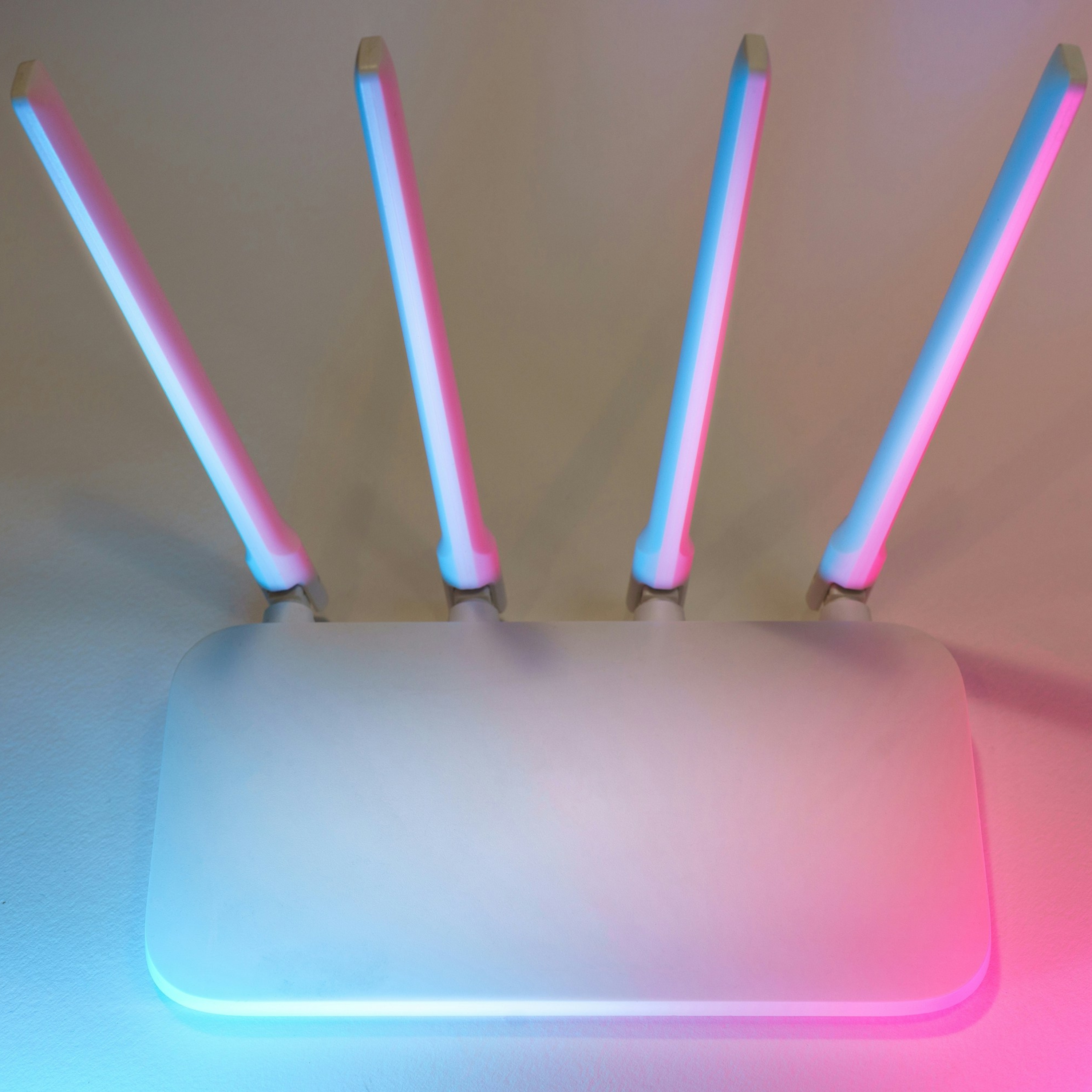
Your router connects all the devices in your home to the internet. It has a network name, often called the Wi-Fi name, which usually looks like a random combination of letters and numbers, such as VM123456 (where “VM” indicates Virgin Media). It also has a password, which is typically a random mix of upper and lower-case letters and numbers.
At some point, you’ve used this network name and password to connect all your devices, such as your phone, tablet, laptop, smart speaker, eBook reader and more.
If you change broadband provider, or if your current provider issues a new router, the new router will usually have a different network name and password. This means you’ll need to reconnect all your devices.
However, you can avoid having to do this in future. You can change your current router’s network name and password to something memorable. Yes, you’ll need to reconnect your devices once using the new details, but after that, whenever you get a replacement router, all you need to do is set the new router to use the same network name and password.
Hey presto! Your devices will automatically recognise the new router, and you’ll be ready to go.
If you’d like help changing your router’s name and password, please feel free to ask me.
Your email address
What email address do you use?
If it ends in @gmail.com, @hotmail.com or @yahoo.co.uk, you don’t need to read any further.
However, if your email address ends in @btinternet.com, @virginmedia.com, @blueyonder.co.uk, or another address linked to your broadband provider, there may be a problem.
These email addresses are provided by your broadband company. If you change provider, you may lose the ability to send and receive emails using that address.
The solution is to change your email address before switching broadband providers. Think of it as moving house without having to pack any boxes.
Instead, consider using a webmail service. These email addresses aren’t tied to a broadband provider, so they stay with you no matter who supplies your internet connection.
My preferred webmail service is Gmail (@gmail.com). Other options include Outlook/Hotmail (@outlook.com or @hotmail.com) and Yahoo Mail (@yahoo.co.uk). These services are free, easy to set up and can be used immediately.
Once you’ve created your new email address, you’ll need to let people know. Important organisations to update include your bank, GP surgery, hospital clinics, HMRC and the DVLA, as well as friends and family.
While you still have access to your old email account, you may be able to set up email forwarding so that messages sent to your old address are automatically redirected to the new one. This gives you time to tell people about your change of address and helps ensure you don’t miss any important emails.
Another advantage of starting afresh with a new email address is that you’ll often leave behind years of unwanted spam and junk mail.
Once everyone is using your new email address, you’ll be free to switch broadband providers whenever you like, without any unexpected consequences.
If you have any questions, please feel free to visit me at Scone Library on Wednesday afternoons. I am also at North Inch Community Library a couple of times each month on Thursday afternoons.
Find out more on our Digital Skills page.
Photo by Jakub Żerdzicki on Unsplash